Sessions
Sessions are displayed throughout your SessionDock library.
You can browse Sessions using Grid View or Pro List View, search for them, organize them into Collections, and open them directly from SessionDock.
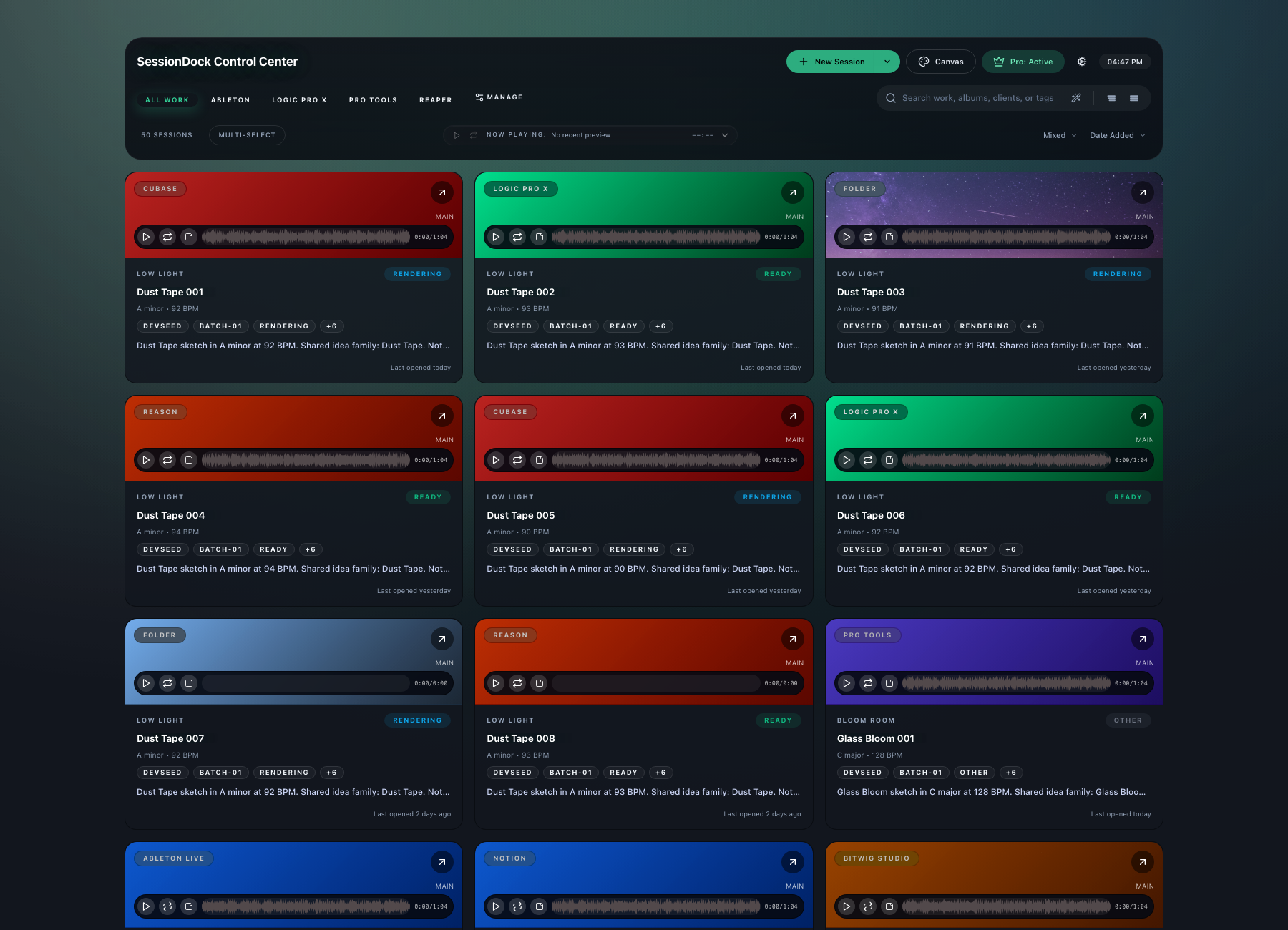
Opening a Session
To open a Session:
- Select a Session in the library.
- Review the preview, notes, or metadata if needed.
- Double-click the Session card to open the Session Details panel.
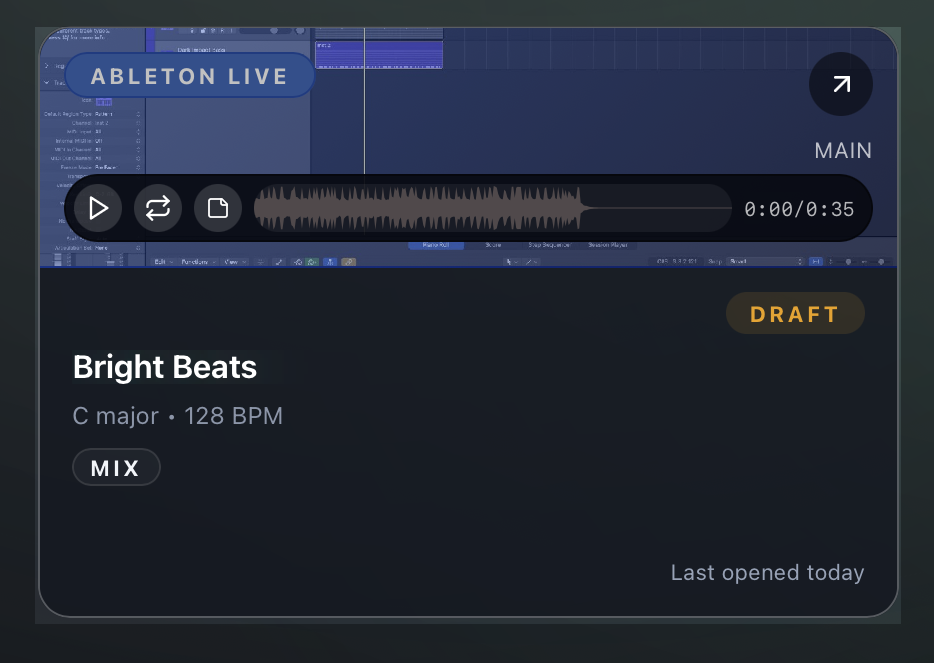
Session Card Controls
- Play Preview
- Scrub the mini waveform player
- Open the linked DAW project
- Open Waveform Notes
Session Card Context Menu
Right-click a Session card to open the context menu. The available actions can change based on the current view and the files attached to the Session.
- Open Project
- Edit Session
- Waveform Notes
- Show in Grid
- Show in List View
- Add to Collection
- Export Session Package
- Show Project in Finder
- Show Preview in Finder
- Copy Project Path
- Delete Session
When right-clicking a preview variation, the menu can also include:
- Set as Main Preview
- Show Variation in Finder
- Delete Variation